See It in Action
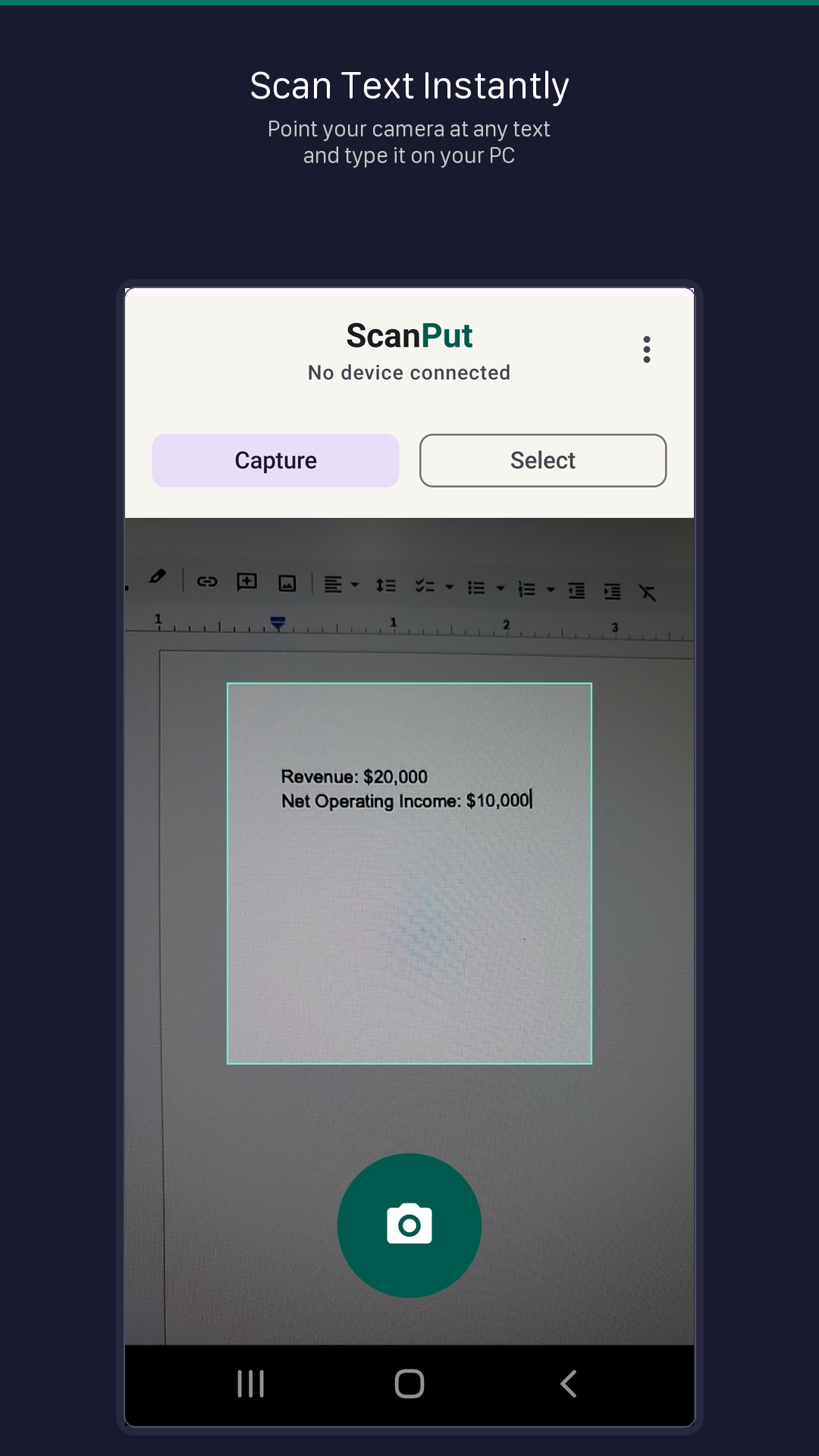
ScanPut turns your phone into a Bluetooth keyboard. Point your camera at any text, and it gets typed directly into your computer — no cables, no cloud, no copy-paste.
iOS version coming soon
Pair your phone with your PC. ScanPut registers as a wireless keyboard.
Point your camera at any text — documents, labels, screens, receipts, anything.
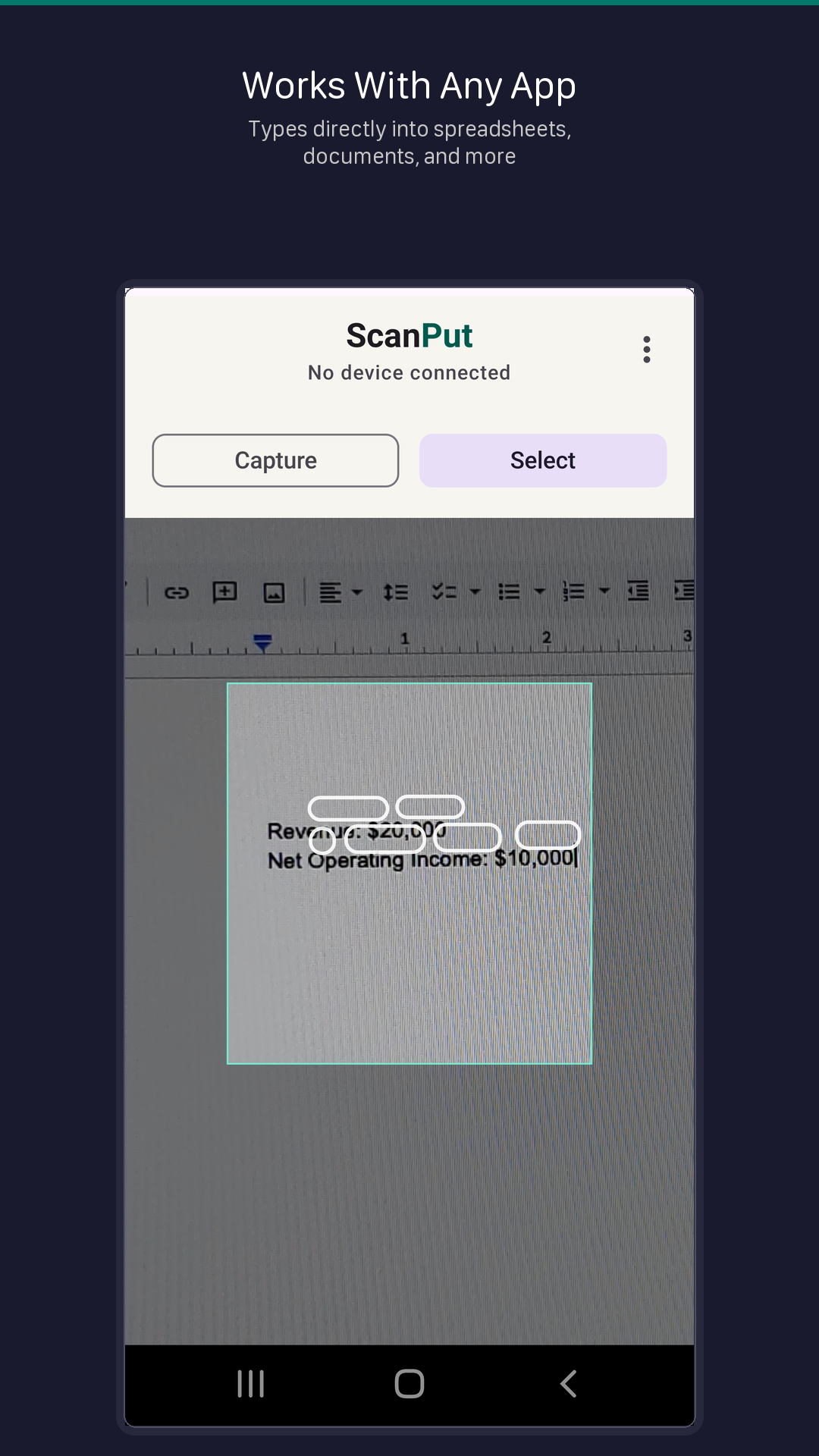
Recognized text is typed directly into whatever app is focused on your PC.
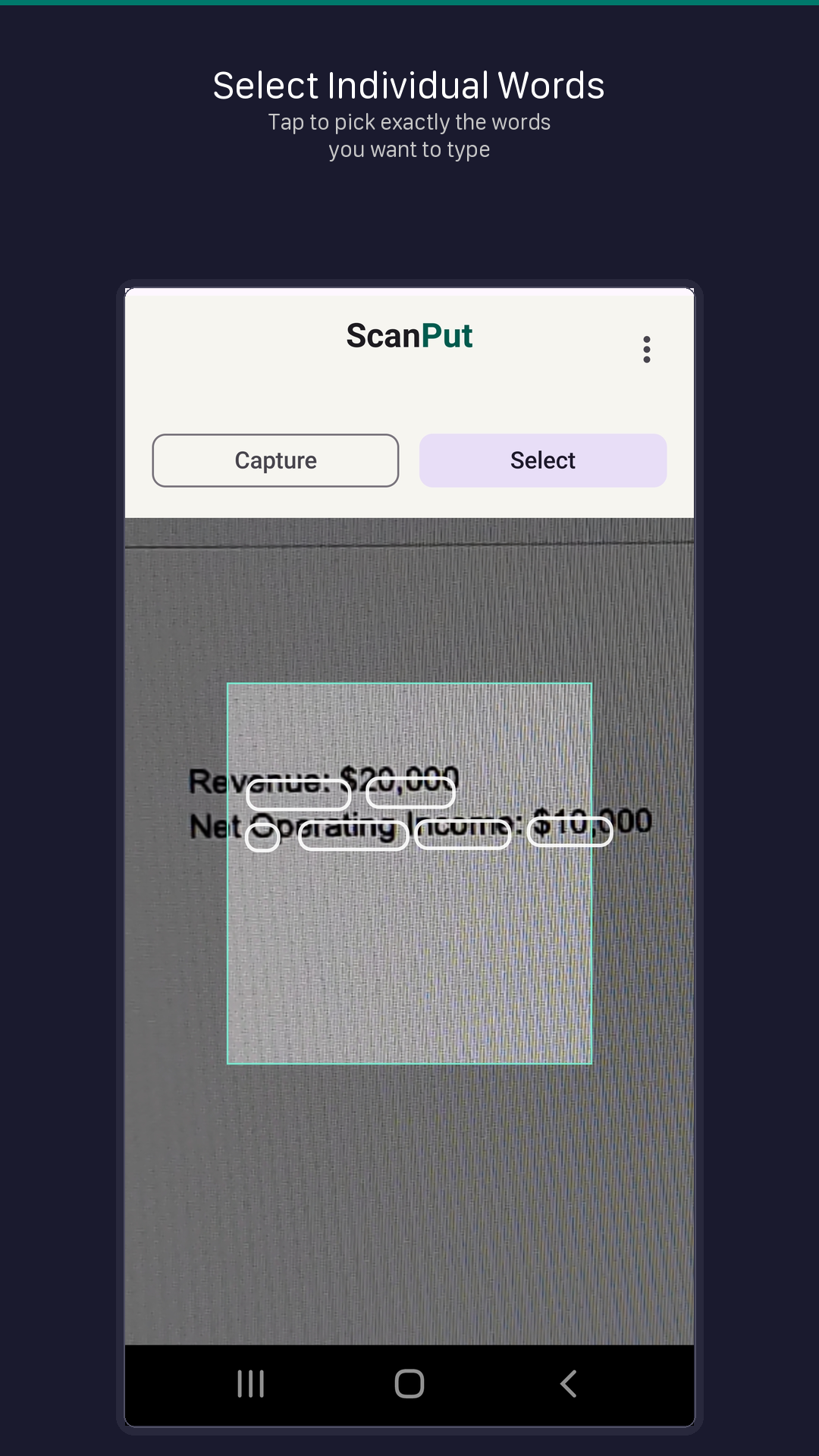
Capture — take a photo and type all text. Select — tap individual words from the live camera feed.
Your phone acts as a real Bluetooth keyboard. Works with any app on any device that supports Bluetooth keyboards.
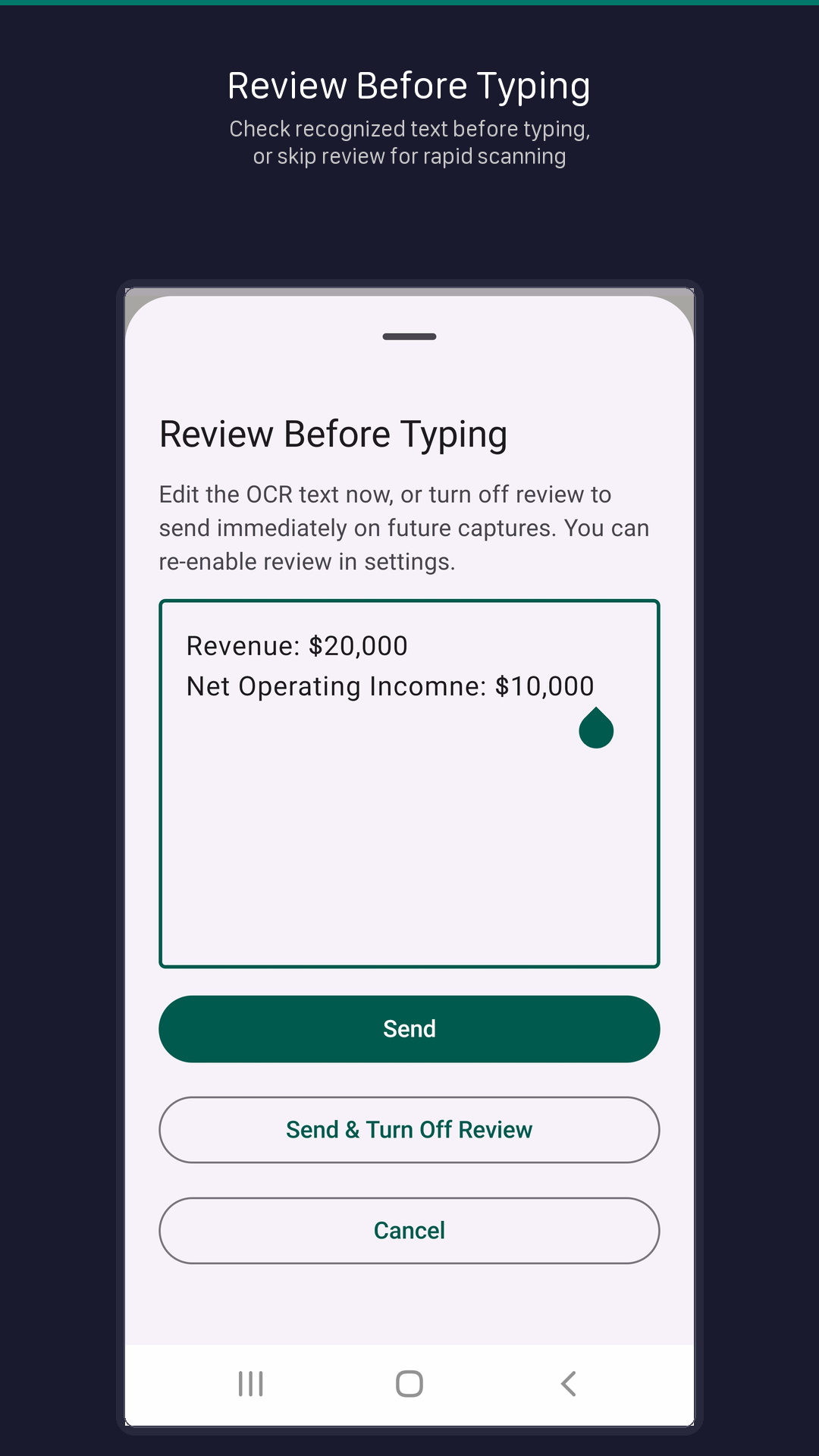
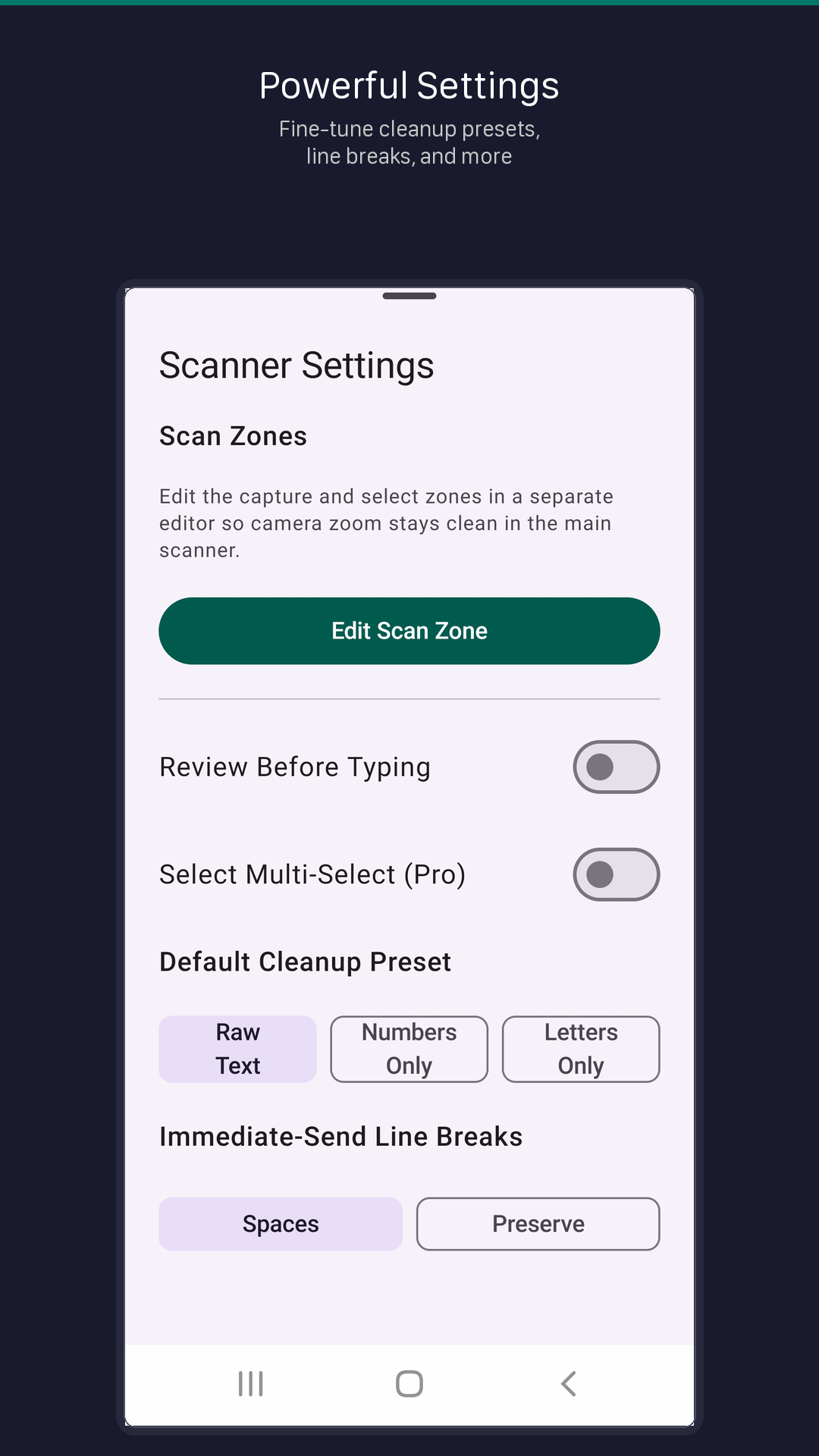
Check and edit recognized text before it's typed, or skip review for rapid scanning.
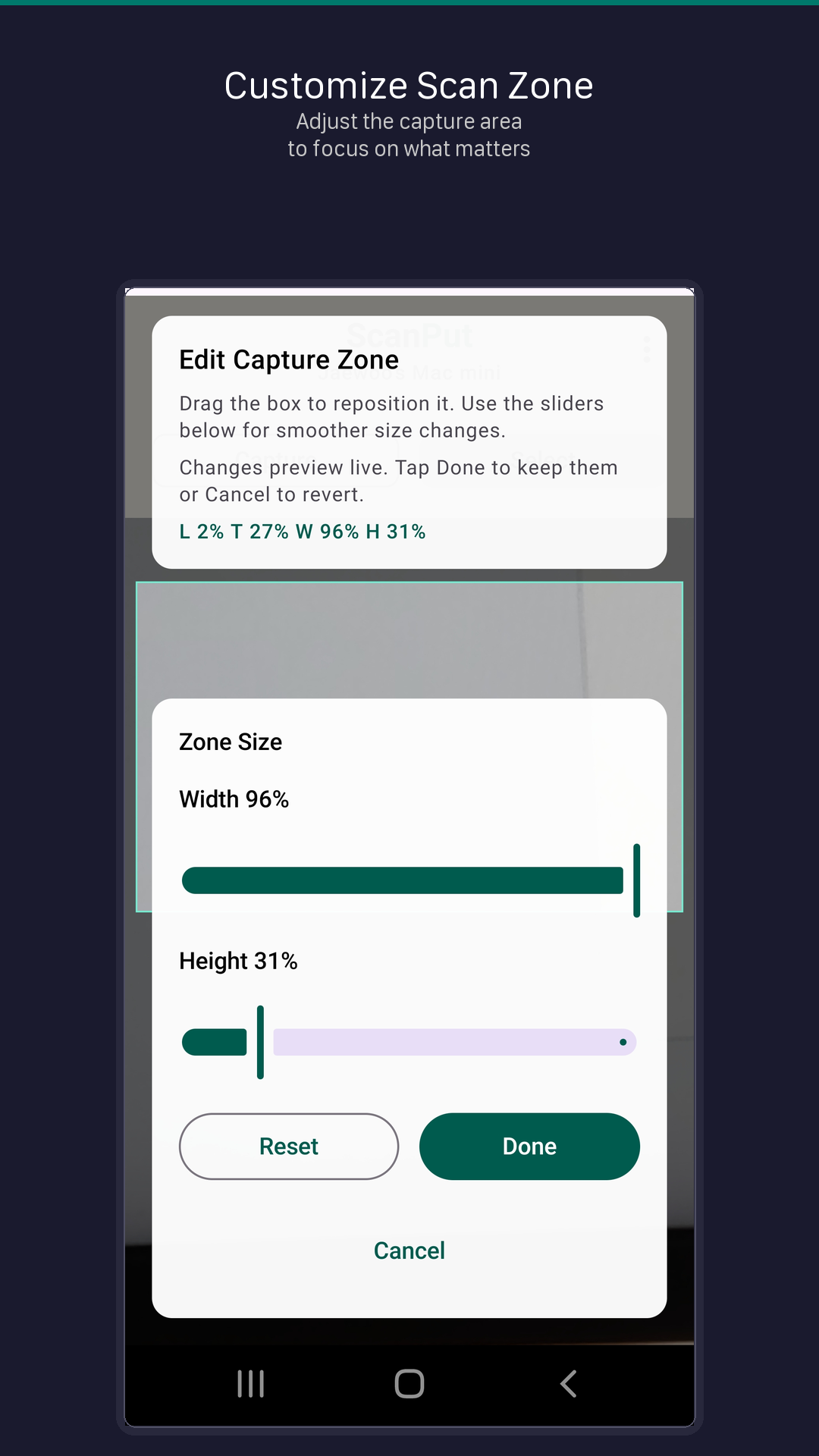
Adjust the capture area to focus only on the text you need. Resize and reposition with precision.
Clean up recognized text with presets — raw text, numbers only, or letters only. Control line breaks and character exclusion.
All text recognition happens on your device. No data is sent to the cloud. No account required.
Available on Android. Requires Android 9.0 (Pie) or later.

iPhone version is currently in development.